
How Is Our Plugin Different? Real Analog Gear, Not an Emulation

The Analog Matrix isn’t an emulation. It streams your audio to real analog gear in our racks, and robotics turn the real knobs. Here’s how it works.
How to Use Playback From Server in Analog Matrix: Skip the Upload, Keep the Gear
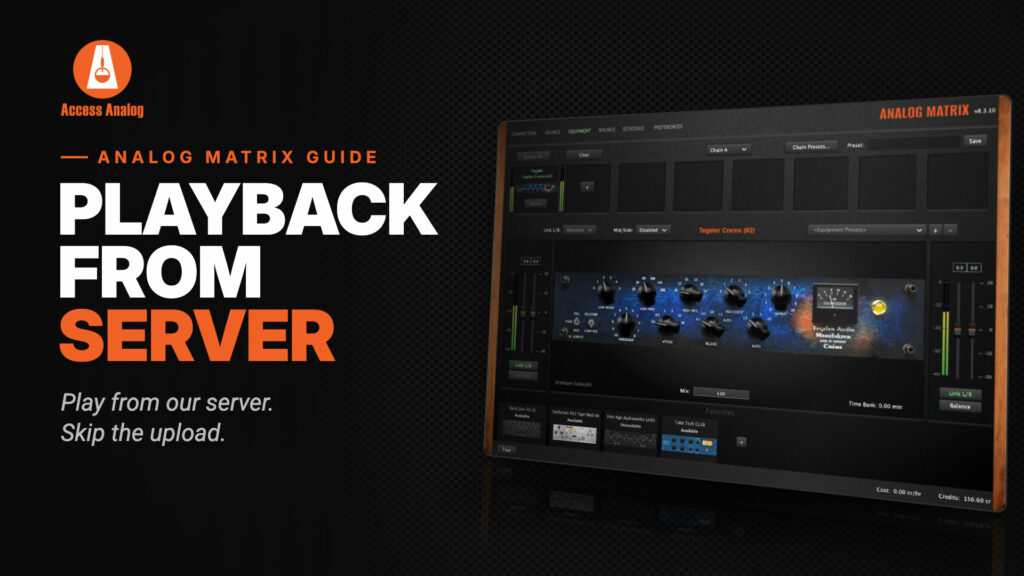
Play your track from our server through real analog gear, so only your download has to keep up. Fewer uplink dropouts, smaller buffers.
How to Use Hardware Presets in Analog Matrix: Save, Recall and Compare Your Sound
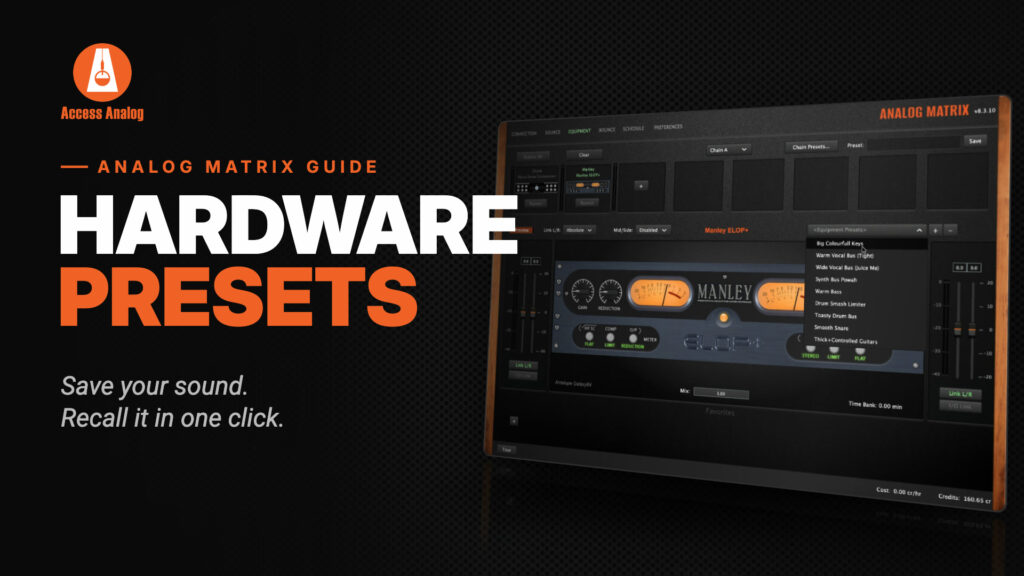
Save and recall settings on real analog gear in Analog Matrix: factory presets, your own equipment and chain presets, and A/B chain comparisons.
How to Use Auto Balance in Analog Matrix: Even Out Left and Right in One Click
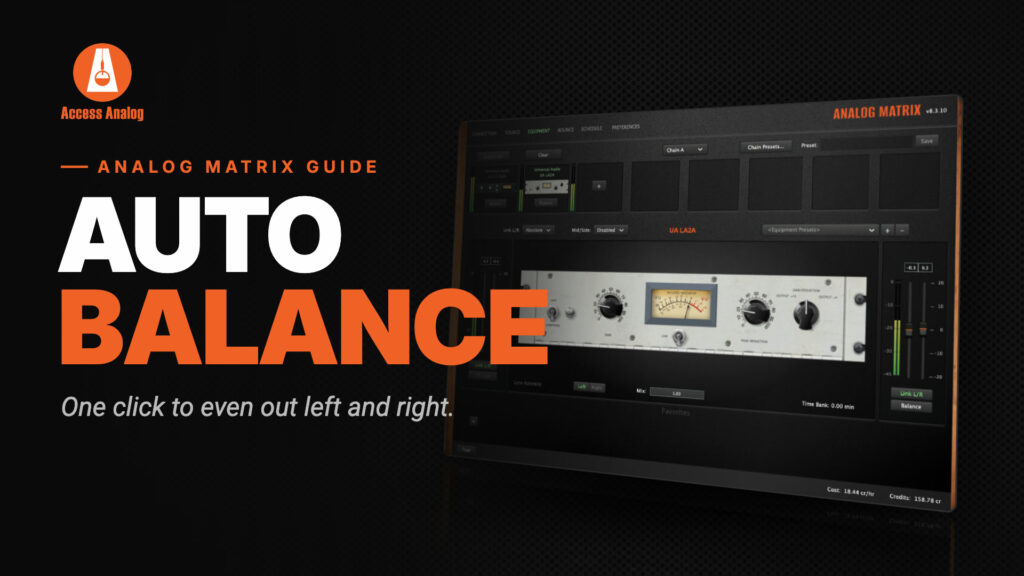
Learn how to use Auto Balance in the Analog Matrix plugin: one click measures your gear’s left/right imbalance and evens it out on the output faders.
How to Use the Connection Tab in Analog Matrix: Set Up a Smooth, Clean Stream
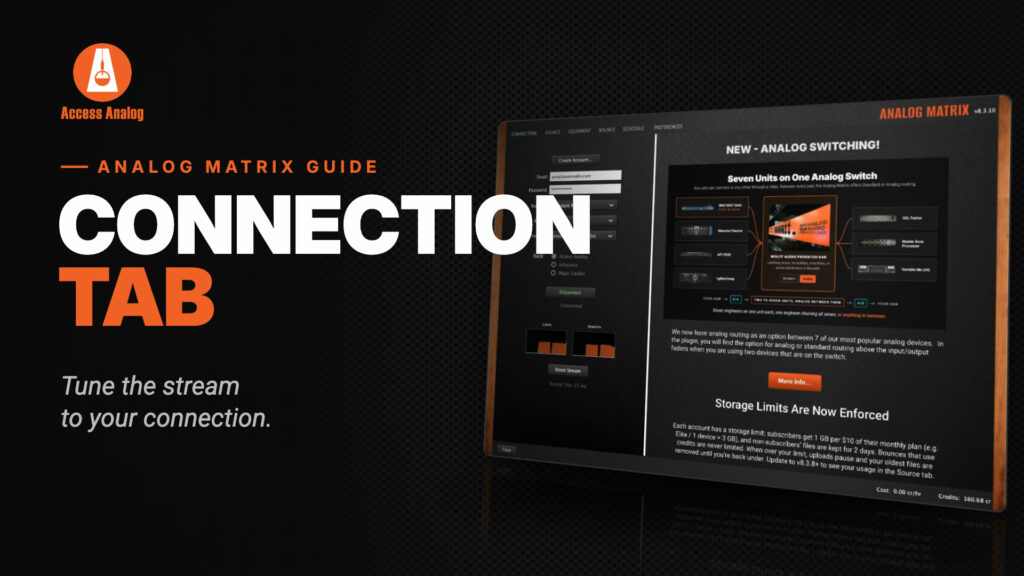
Set up the Analog Matrix Connection tab for a smooth stream: pick the right format and rack, read the buffer graphs, fix dropouts, and choose your routing.
How to Use Offline Bounce in Analog Matrix: Print Through Real Analog Gear Without Dropouts
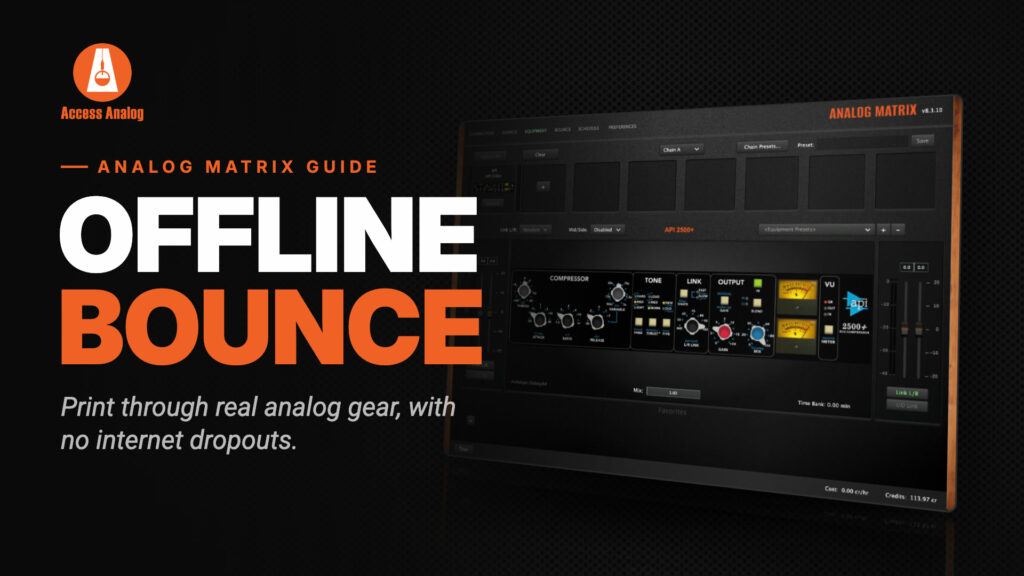
Learn how to use offline bounce in the Analog Matrix plugin: upload, build your chain and print through real analog gear with no internet dropouts.
How to Use Cloud Storage in Analog Matrix: Upload, Organize and Reuse Your Files
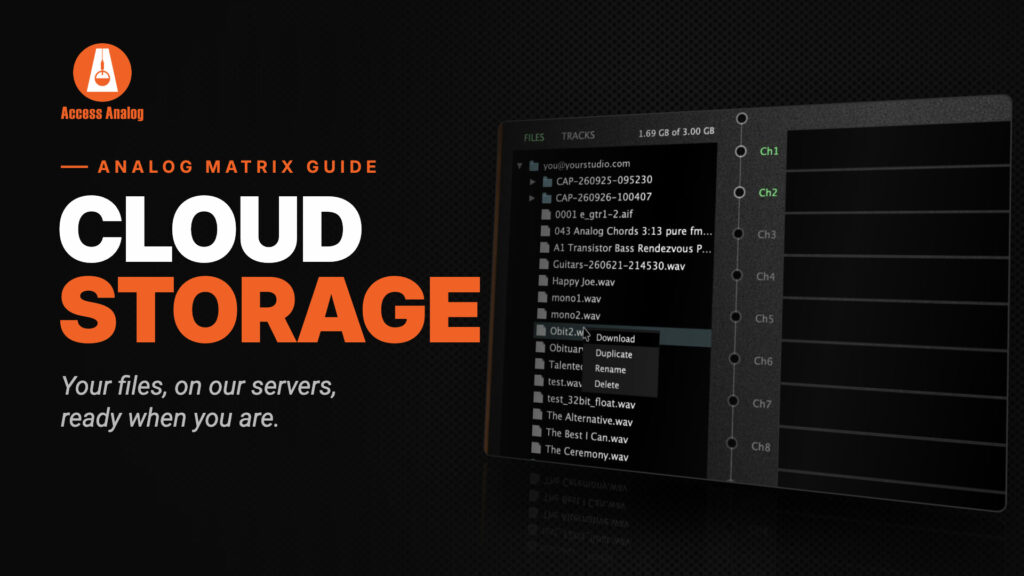
Learn how cloud storage works in the Analog Matrix plugin: upload files once, load and organize them, download them, and keep your bounces on our servers.
How to Use Upload From DAW in Analog Matrix: Send Tracks Straight From Your Session
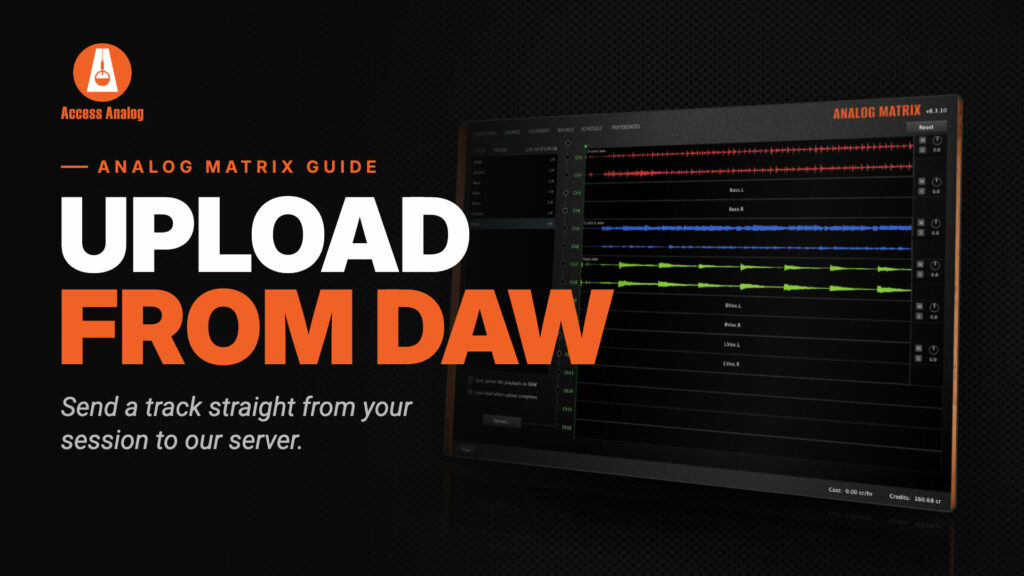
Learn how to use Upload From DAW in the Analog Matrix plugin: arm, play and stop to send a track from your session to our server, in sync.
How to Schedule Gear in Analog Matrix: Book Real Analog Hardware From Your Session
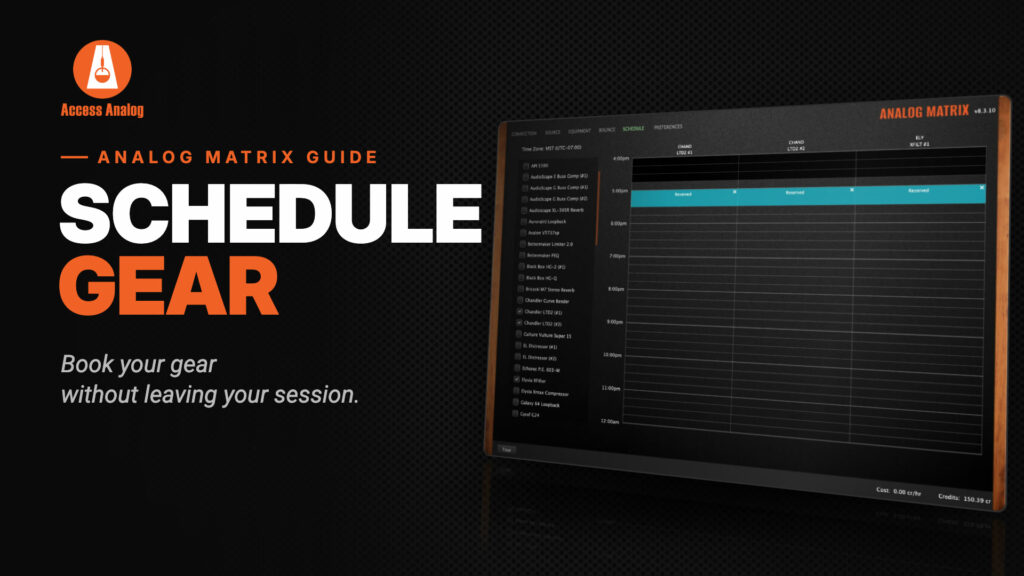
Book real analog gear without leaving your session. The Analog Matrix Schedule tab lets you choose, drag and reserve hardware in a few clicks.
How to Use the Analog Matrix Standalone App: Real Analog Gear, No DAW Required
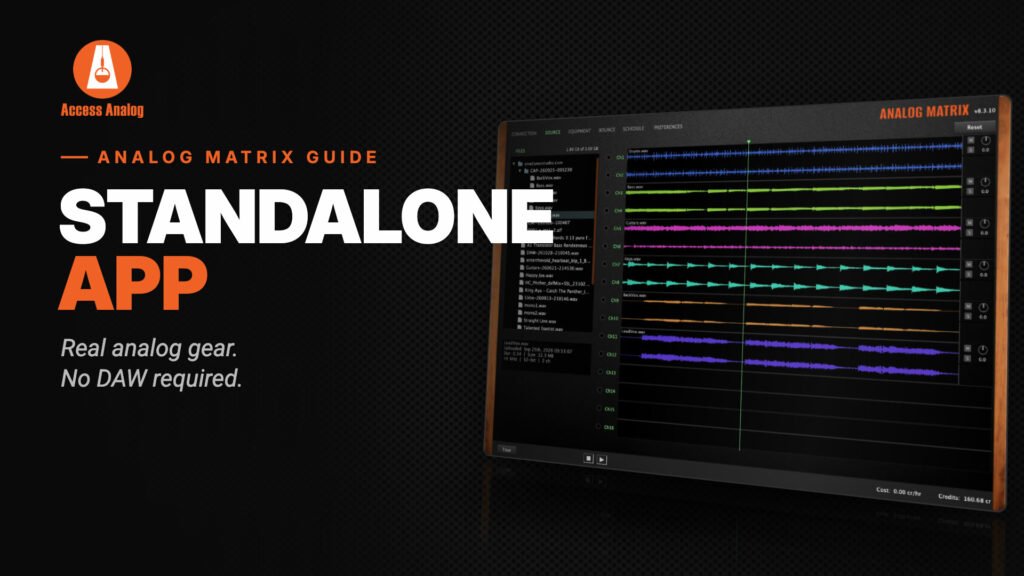
Use real analog gear with no DAW. The Analog Matrix standalone app handles mastering, batch bounces, summing and quick rebounces.
Introducing Analog Switching: Real Hardware, One Conversion, Endless Creative Chains
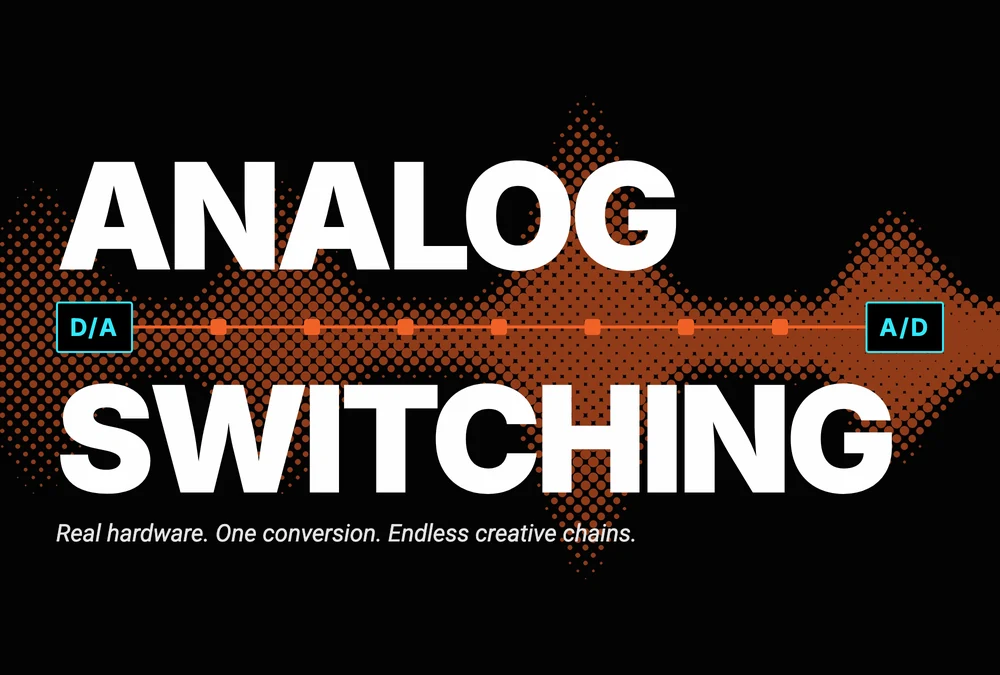
Analog Switching chains real hardware through latching relays: one D/A in, one A/D out. See the seven units, the trade-offs, and the workflow.
Real-Time Analog Summing From Your DAW
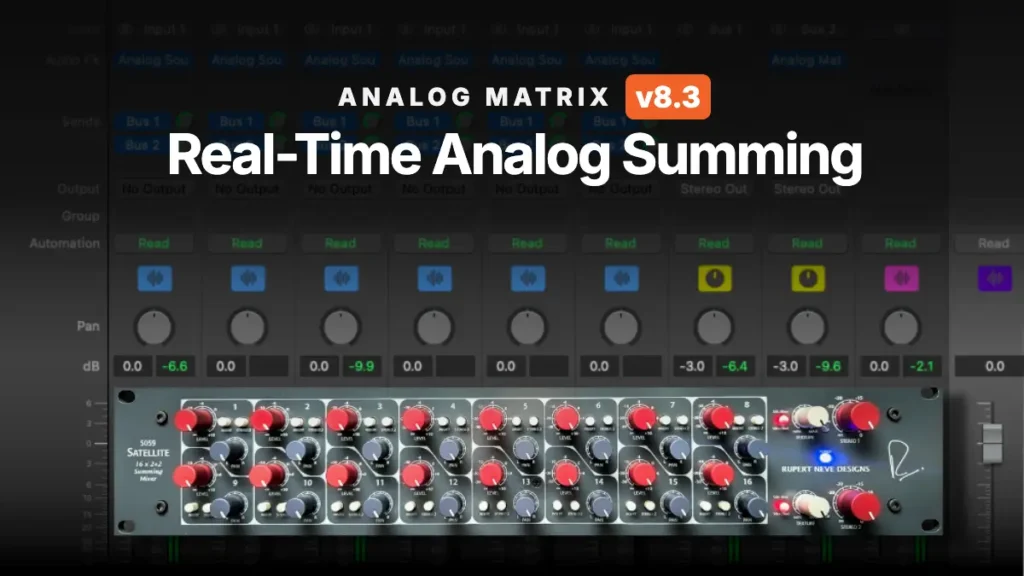
Analog Matrix 8.3 adds real-time 16-channel analog summing from your DAW via the new Analog Source plugin. Setup in Logic and Reaper, routing, and printing the sum.
8 Reasons Why Analog Is Different

Analog audio processing holds a unique and irreplaceable place in music production, offering a sonic depth and richness that digital tools struggle to emulate. This blog explores the remarkable properties of analog gear, delving into how currents, components, and physical forces combine to create unparalleled warmth, character, and dimensionality. If you’re weighing the two, start […]
Analog Signal Processing in Your DAW

Dive into the world of analog signal processing without breaking the bank! Get all the warmth, character, and analog nuance of real analog gear without the expense or the hassle of gear upkeep.